
Best Mobile Apps You Need on Your Phone Right Now
The best mobile apps earn their place by saving taps, time or data, not by looking clever in the app store. On a phone you use every day, the winners are usually the ones that handle maps, messages, files and documents with the least fuss.
Key takeaways
- Keep only apps that save time, reduce steps or solve a frequent task.
- Maps, messaging, email and scanning tools usually earn their place first.
- Specialist apps are worth it when built-in tools feel slow or awkward.
- Check device compatibility, storage use and permissions before installing.
- A lean phone setup works best when apps fit your existing accounts and habits.
What makes a mobile app worth keeping on your phone?
A mobile app is worth keeping when it does one job quickly and reliably every time you open it. That’s the basic test behind any practical shortlist, and it matters more than download counts or shiny screenshots.
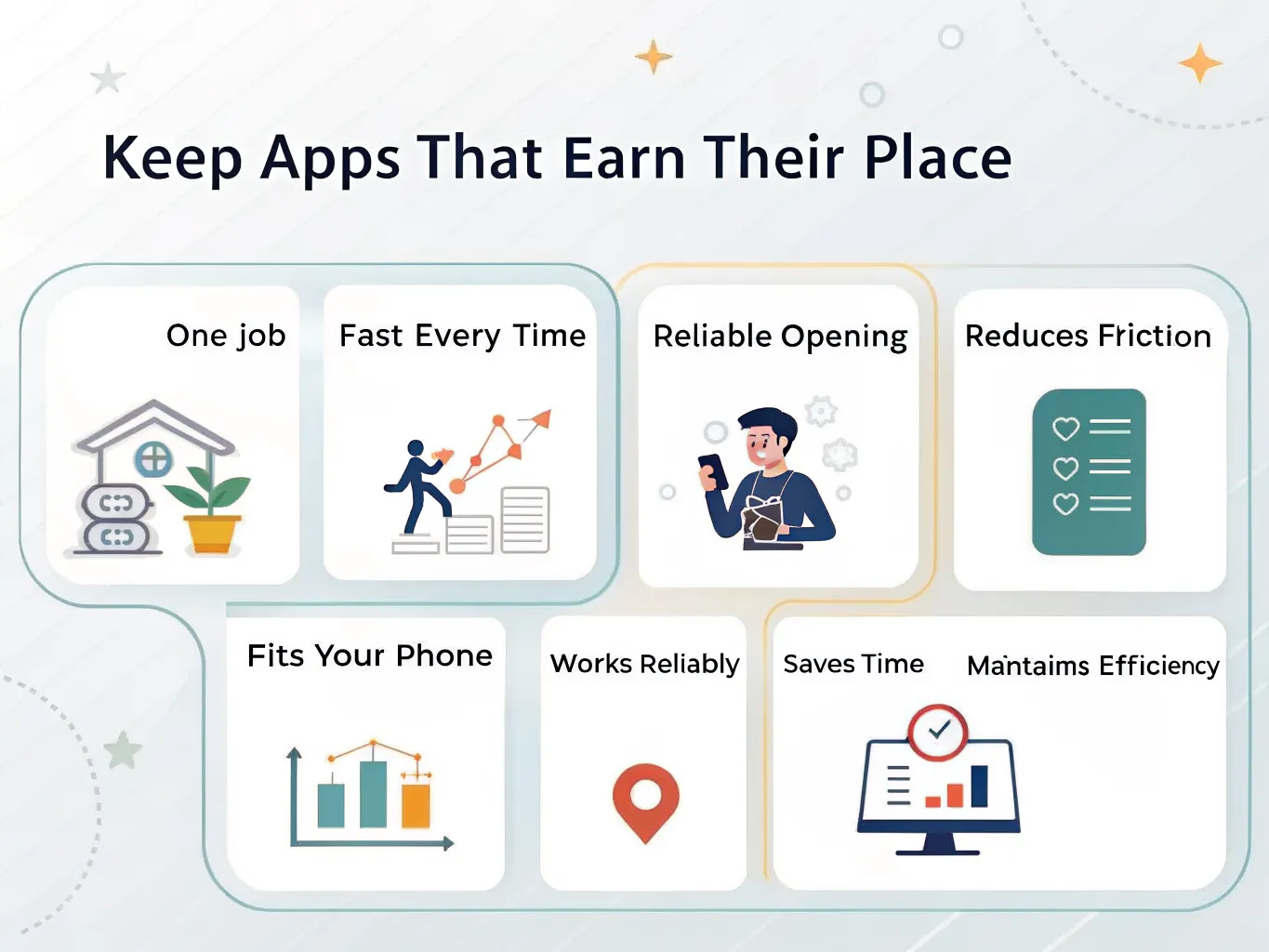
App-store popularity can be a useful signal, but it is not proof that an app suits your habits, storage limit or data plan. PCMag’s Android app guide points out that even a strong app store is crowded, so the real challenge is picking tools that deserve space on your device PCMag.
The simplest filter is also the most useful: does the app save time, reduce steps, or solve a task you do often? If the answer is yes, it has a case for staying installed. That’s why navigation, messaging, scanning, storage and basic productivity tools keep turning up on phones that people actually rely on.
Best Mobile Apps by job to be done
| Job to be done | Useful app examples | Best fit | Why it earns a place |
|---|---|---|---|
| Getting around | Google Maps, Opera Mobile | Cross-platform | Maps are a daily essential; browser access helps when a route or place needs checking on the move. |
| Storing and sharing files | Dropbox | Cross-platform | Handy for moving documents between phone, laptop and web without manual transfers. |
| Communication | Gmail, Google Messages, Google Voice | Cross-platform, with strong Google integration | Best when you want email, SMS-style chat and call handling to sit in one familiar ecosystem. |
| Scanning documents | TurboScan | Cross-platform | A quick way to capture receipts, signed pages and paperwork with less effort than a flatbed scanner. |
| Typing faster | SwiftKey X, Swype | Android-first history | Useful if you type a lot on a phone and want better prediction or swipe input. |
| Music and media | Google Music | Cross-platform legacy example | Shows the value of a simple media app that opens fast and gets out of the way. |
The common thread is not category, but friction. A good app removes a tiny daily annoyance so cleanly that you stop thinking about it. That’s why familiar names such as Google Maps, Dropbox and TurboScan still make sense in a practical shortlist HardForum.
The everyday essentials: apps most people actually use
- Google Chrome for fast, familiar browsing and easy sign-ins across sites.
- Google Messages for straightforward texting that feels close to the default Android experience.
- Gmail for email that syncs cleanly and keeps work and personal accounts easy to manage.
- Google Maps for directions, traffic checks and place searches without extra setup.
- SwiftKey X or Swype if you want faster typing and better one-handed use on a small screen.
- TurboScan for scanning receipts, forms and signed pages straight into your phone.
- Dropbox for moving files between devices without email attachments or cables.
- Opera Mobile as a lighter alternative when you want a browser with a different feel and fewer distractions.
These apps stay useful because phones have not removed the need for them. A better camera does not replace a scanner, and a powerful handset does not make typing any less awkward on glass. The best apps handle those friction points quickly, then stay out of your way.
Where Google’s own apps fit best
Google’s core apps are often the easiest starting point if your phone already lives inside that ecosystem. Google Play services sits behind much of the Android experience, while Google Chrome, Gmail and Google Messages cover the basics with little extra setup Wikipedia.
That does not make them the only answer. It does make them a sensible default for people who want fewer moving parts, especially if they are setting up a new phone and want dependable apps before experimenting with niche downloads.
Where a specialist app still beats a built-in tool
A specialist app earns its keep when the built-in version feels clumsy. TurboScan is a good example because it is built for one job: capture a document cleanly and keep it ready to send, store or sign. Caren Merrick’s write-up singles it out for being easy to use and for preserving documents in a practical file trail Caren Merrick.
The same logic applies to keyboards, file sync and mapping. If you use a task often, the app that trims even a few taps can matter more than an all-purpose suite with extras you never open.
How to choose the right app for your phone and data plan
- Check whether the app works properly on your device model and Android version, then look at permissions before you install it.
- Estimate the storage impact and whether it will run well on a phone with limited free space.
- Choose offline-friendly features if mobile data is expensive or coverage is patchy where you live.
- See whether the app connects cleanly with services you already use, such as Google or Dropbox.
- Remove anything that duplicates a built-in feature you already use comfortably.
This approach keeps your phone lighter and easier to maintain. It also helps you avoid the common trap of installing five apps for one task when one well-chosen app would do. If an app needs constant tweaking just to behave, it is usually the wrong app for a busy phone.
Integration matters more than branding. A good app should fit neatly beside the accounts, contacts and files you already have, not force a new routine every time you open it.
What to install first if you want a lean, useful phone
| Priority | App | Why start here | Best for |
|---|---|---|---|
| Must-have | Google Maps | Covers everyday navigation and place search without extra setup | Getting around, finding addresses and checking travel routes |
| Must-have | Gmail | Handles personal and work email in a familiar interface | Daily communication |
| Must-have | Google Messages | Keeps texting simple and quick | Fast back-and-forth messaging |
| Must-have | Dropbox | Makes file access and sharing easy across devices | Documents, photos and work files |
| Must-have | TurboScan | Turns paper into usable digital files in seconds | Receipts, forms and signed pages |
| Nice-to-have | Google Chrome | Useful if you want a browser that syncs well with Google accounts | Web browsing and log-ins |
| Nice-to-have | SwiftKey X or Swype | Handy for faster typing if you send lots of messages | People who type often on a touchscreen |
| Nice-to-have | Opera Mobile | Worth trying if you want a different browser experience | Alternative browsing and lighter use |
If you want the shortest possible starter stack, begin with maps, email, messages and scanning. That gives you a phone that can get you places, keep you in touch and handle paper without fuss. Add browser and keyboard apps only if you notice a real gap in what you already have.
That is the cleanest way to build a practical app set: cover the jobs you do most, then stop. A phone feels better when each app has a reason to stay there.
Frequently asked questions
What are the best mobile apps to install first?
Start with maps, messaging, cloud storage, a browser and a document scanner. Those cover the most common daily tasks with the least clutter, and the article specifically singles out Google Maps, Gmail, Google Messages, Chrome, TurboScan and Dropbox as strong practical choices.
Are the best mobile apps the same for Android and iPhone?
Not always. Some core tools are cross-platform, but Android users often get more choice in launchers, keyboards and system utilities, while the article also notes that Google’s core apps are especially natural on Android devices.
How many apps should I keep on my phone?
Only as many as you use regularly. A small, well-chosen set usually works better than a crowded home screen, especially if each app saves time, reduces steps or solves a task you do often.
Should I trust app-store charts when choosing apps?
Use them as a starting point, not a final answer. Popularity can be useful, but the article stresses that usefulness, permissions, update quality and whether an app fits your habits and data plan matter more.
Which apps are most useful for work on a phone?
Cloud storage, email, scanning and note-taking apps usually deliver the most immediate value for work tasks. In the article, that practical shortlist is backed up by examples such as Gmail, Dropbox and TurboScan, which cover files, documents and communication with minimal fuss.