Digital Skills That Are in High Demand
Digital skills now go far beyond switching on a laptop or sending a message. They cover the practical ability to use devices, apps, networks and online information effectively, critically and safely, which is what turns basic computer use into workplace value. For readers in South Africa, the real question is simple: which skills will help you do your current job better, and which ones will make your next move more realistic?
Key takeaways
- Digital skills now include using tools safely, accurately and at work pace, not just basic device use.
- Employers value practical ability in common workplace software, especially where it improves speed, accuracy and teamwork.
- The fastest skill to learn is usually the one that removes a current bottleneck in your job.
- Short, repeated practice on real tasks builds competence more reliably than scattered courses.
- A quick self-audit can show whether you have confidence with a tool or genuine job-ready ability.
What digital skills actually mean
Digital skills are the everyday habits and workplace capabilities that let you use technology with confidence, not just familiarity. That includes handling email, finding reliable information, joining online meetings, protecting data and choosing the right tool for the task. Game Strategies describes them as the abilities, knowledge and attitudes needed to interact effectively, critically and safely with digital systems.
There is a clear difference between basic use and job-ready use. Basic use means you can open an app, type a reply or log in; job-ready use means you can do that quickly, accurately and without constant support. In admin, customer support, sales and operations, that shows up in fewer errors, faster responses and better follow-through on tasks such as updating a shared tracker, replying to a customer in a ticketing system, or logging a delivery issue correctly the first time.
Digital literacy sits underneath all of this. If you can judge whether a link is safe, recognise a file type such as .pdf or .xlsx, or spot when information needs checking against another source, you are building the foundation that makes spreadsheets, reporting tools and collaboration platforms much easier to learn later.
The Digital Skills employers ask for most
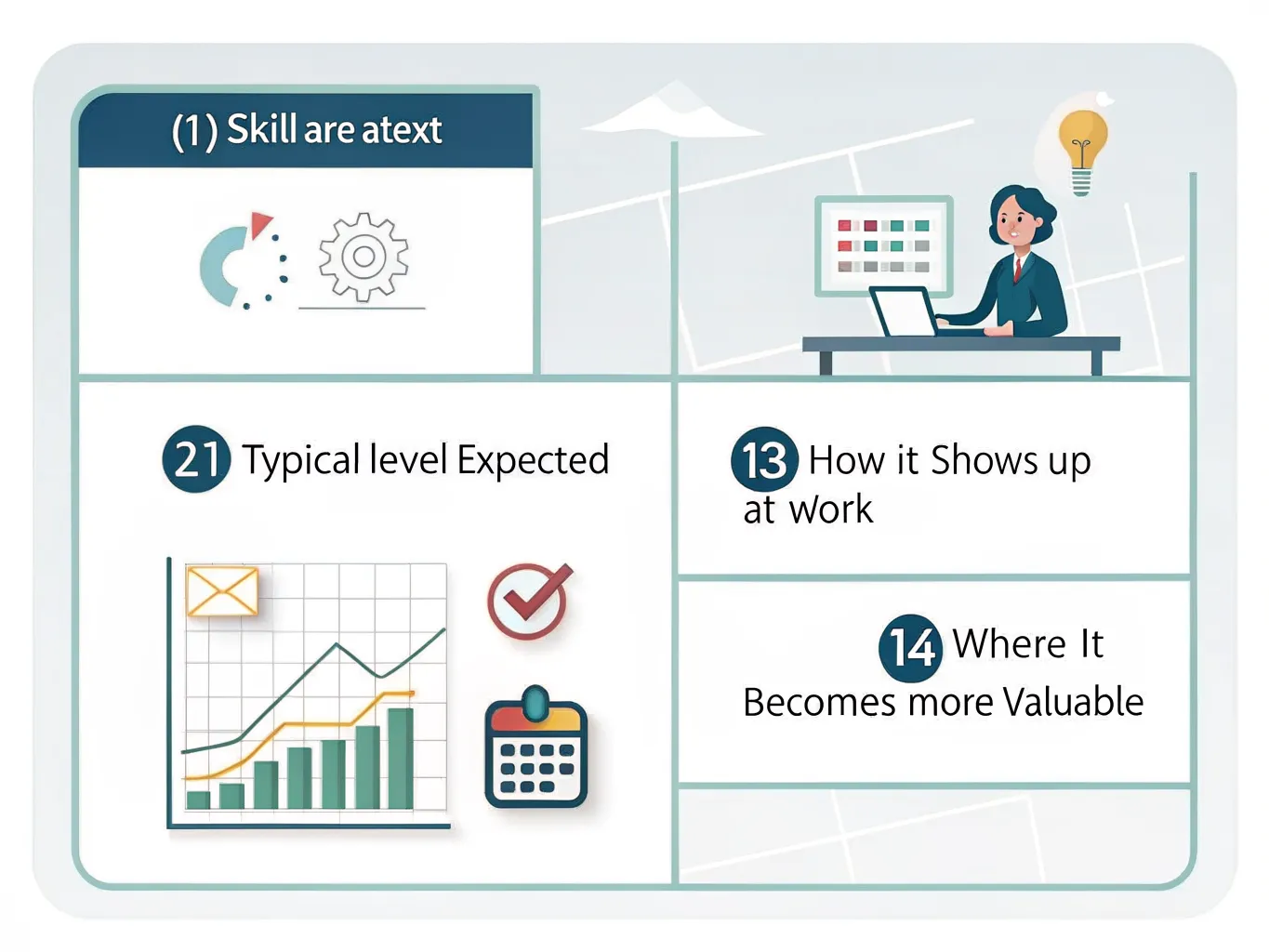
| Skill area | Typical level expected | How it shows up at work | Where it becomes more valuable |
|---|---|---|---|
| Microsoft Excel and spreadsheets | Common at entry level | Updating contact lists, tracking orders, logging stock, basic formulas | Analyst, finance, operations and reporting roles |
| Email and calendar management | Common at entry level | Sorting inboxes, arranging meetings, following up clients, booking diaries | Team coordination, executive support and client-facing roles |
| Collaboration software | Common at entry level | Using Teams or similar tools for chat, file sharing and meetings | Project work, hybrid teams and multi-site operations |
| Communication tools and online etiquette | Common at entry level | Clear written updates, professional messages, video call behaviour | Customer service, sales and management roles |
| Data handling and basic analysis | More valuable after entry level | Cleaning lists, spotting trends, making simple dashboards | Reporting, business support and analyst roles |
| Cybersecurity basics | Expected in most roles | Recognising phishing, using strong passwords, handling confidential data | Any role that handles client, staff or payment information |
The pattern is straightforward: many entry-level roles expect you to use common office tools without supervision, while mid-career roles reward people who can turn messy information into decisions. A sales coordinator might keep a lead list in Excel, a marketer might track campaign performance in a spreadsheet or dashboard, and an analyst might use the same data to explain why results changed from one month to the next.
For a practical benchmark, Coursera says digital skills help people communicate, collaborate and complete daily work more effectively, and it points to Microsoft-led learning routes as part of structured upskilling. That matters because employers rarely want theory on its own; they want proof that you can use the tool inside the workflow they already run, whether that is a shared inbox, a spreadsheet, or a project board.
How to decide which skill will improve your career fastest
- List the tasks that slow you down, create mistakes, or require help from a colleague. If you spend too long fixing spreadsheets, chasing emails or re-entering data, that is a real clue about where the gap is.
- Group your target role into a practical cluster such as admin, operations, sales, support or analysis. Then match the likely skill gaps to that cluster, rather than trying to learn every digital tool at once.
- Choose the skill that improves speed, accuracy or visible value at work. Those gains are easier to prove in a review, on a CV or in a job interview.
- Ignore random learning that looks impressive but has no direct use in your day-to-day work. The best next skill is usually the one that solves a problem you already have.
If you are moving from support work into a more coordinated role, calendar management and spreadsheet confidence often matter more than niche software. If you are aiming for analysis, data handling will usually pay off faster than polishing presentation slides. The quickest route is the one that links learning to a task you already touch every week, such as updating a rota, cleaning a contact list or pulling together figures for a weekly report.
How to build Digital Skills without wasting time
- Use the National Careers Service as a model for career-focused planning. Its advice on digital skills is grounded in work use, not abstract learning, and that is the right mindset for choosing what to study next.
- Start with the Digital Skills Library, which is a free resource hub for adult learners. It is managed by World Education through its EdTech Center and CrowdED Learning initiative, and its resources are curated to align with the BRIDGES Digital Resilience Toolkit.
- Use structured courses on Coursera when you need a more guided route. A Microsoft R Programming for Everyone Professional Certificate is a good example of organised learning that moves from basics to applied data work, including statistical analysis and visualisation.
- Practise in short bursts on the tools you already use. The goal is to turn a lesson into a habit, so the next email, spreadsheet or online meeting is slightly better than the last one.
The most effective learning plan is often boring in the best possible way. Repeat the same task until it feels natural, then raise the difficulty a little. That might mean learning one new Excel formula, improving one email workflow, or checking one security habit every day until it becomes automatic.
A simple self-audit of your current Digital Skills
| Skill area | I can do this | I can do this quickly and accurately | What to learn next |
|---|---|---|---|
| Communication | Yes / No | Yes / No | Clearer email writing or meeting notes |
| Collaboration | Yes / No | Yes / No | File sharing, comments and version control |
| Spreadsheets | Yes / No | Yes / No | Formulas, filters or pivot tables |
| Data use | Yes / No | Yes / No | Sorting, basic analysis or simple charts |
| Online security | Yes / No | Yes / No | Password habits, phishing checks and safe file handling |
This audit works because it separates confidence from competence. You may be able to use a tool, but not yet at the speed your job needs. That gap is often where the biggest career gain sits, especially if the bottleneck is a task you repeat every day, such as formatting a report, updating records or sharing files correctly.
The best output is a shortlist of one or two priorities, not a long wish list. If spreadsheets are slowing you down and online security is shaky, tackle those first. If communication is fine but collaboration tools are clumsy, focus there before adding anything else.
Why these skills matter now
The wider labour market is already measuring digital competence in structured ways. The Digital Skills & Jobs Platform says the European Commission’s DESI 2022 reference found that 54% of people in Europe have the digital skills needed for the digital world they live in Digital Skills & Jobs Platform. That figure is European, not South African, but it is still a useful reminder that a large share of workers in advanced economies remain below the level employers now expect.
Frameworks such as DigComp and ESCO matter because they shape how digital skills are described, compared and assessed. DigComp, the Digital Competence Framework for Citizens, sets out what everyday digital capability looks like, while ESCO supports labour classification in the ICT space. In practice, that means training providers, recruiters and policy makers are increasingly using a shared language for digital capability.
For the reader, the takeaway is practical. Stronger digital skills improve employability, make it easier to adapt when tools change, and reduce the day-to-day friction that slows good work down. Start with the basics, then build towards the skills that give the clearest return in your current role or the one you want next.
Frequently asked questions
What are the most important Digital Skills for work?
The most useful digital skills at work are the ones that help you get everyday tasks done accurately and without constant support. That usually means email and calendar management, spreadsheets, online collaboration, data handling and basic cybersecurity, because employers value people who can work quickly, safely and with fewer errors.
Are Digital Skills only for tech jobs?
No. Most jobs now rely on digital capability in some form, whether that is admin, sales, healthcare, education or customer service. The distinction between basic use and job-ready use matters in any role where speed, accuracy and follow-through affect results, from replying to customer messages to updating records or sharing files through a work platform.
How can I improve my Digital Skills for free?
Use free learning hubs such as the Digital Skills Library and practise on the tools you already use at work. A short, focused routine works best: repeat one task until it feels natural, then build up gradually. The Digital Skills Library is an open repository of free learning resources for adult learners, and it includes material such as an Internet Security guide. That kind of resource is useful because it turns learning into a habit instead of leaving it at the level of theory.
How do I know which Digital Skill to learn first?
Start with the skill that removes the biggest daily bottleneck, saves time or solves a problem you already face at work. If spreadsheets slow you down, learn those first; if you spend ages fixing email workflows or re-entering data, tackle those gaps before moving on to niche tools.
Do Digital Skills belong on a CV?
Yes. List the digital tools you can use confidently and link them to real outcomes, such as producing reports, managing schedules or improving data accuracy. Employers want proof that you can use the tool in the workflow they already run, not just that you have heard of it.