
Free AI Tools That Can Save You Hours Every Week
Free AI tools really can save time on drafting, research, note tidy-up and light design work, but only if you choose the right one for the task. The best free tiers are useful because they cut out friction, not because they can replace skilled work. For readers in South Africa, the real benefit is getting more done without paying upfront or getting stuck in a complicated setup.
Key takeaways
- Free AI tools work best on repetitive tasks such as drafting, summaries and note cleanup.
- The strongest free options cut friction rather than replacing proper judgement or expertise.
- Choosing by workflow beats picking the most hyped brand.
- Most free tiers come with limits, so check credits, exports and account requirements early.
- A simple tool stack can save more time than trying every new app.
What Free AI Tools can realistically do for you
Free AI tools do their best work on repetitive tasks: writing first drafts, summarising long pages, turning messy notes into something readable, brainstorming ideas and translating short text. DataCamp’s guide to free AI tools points to Claude’s free tier as a good example, with access to Claude Sonnet 4.6 and monthly AI credits that can be used across creative tools DataCamp.
That said, free usually comes with limits. You may get fewer messages, slower responses, smaller context windows, fewer exports or a stripped-back feature set, and some tools will ask you to sign in before you can even test them. In practice, ‘free’ often means credits rather than unlimited use, plus a privacy policy that’s worth reading properly before you paste in anything sensitive.
The most useful way to think about free AI is as a time-saver, not an expert. It can help you move from a blank page to a rough draft, from chaotic notes to a usable outline, or from a long article to a short summary. It should not be the final authority on facts, numbers or anything that could affect money, work or legal decisions.
The best Free AI Tools worth trying first
| Tool | Best for | Main strength | Main limitation on the free plan |
|---|---|---|---|
| Claude free tier | Writing, rewriting, planning | Natural-sounding drafting and useful monthly AI credits | Usage is capped, so heavy users can run out quickly |
| Perplexity | Quick research summaries and source-led answers | Fast search-style research with concise explanations | Free access is lighter than paid research features |
| Notion AI | Cleaning up notes and organising work | Turns rough notes into something more usable inside your workspace | Best features may sit behind paid workspace limits |
| Google Stitch | Simple UI and design prototyping | Useful for quick interface ideas and early mock-ups | Free use is better for prototyping than production work |
| Google Cloud free AI options | Language translation and prototyping | Broad set of free AI-related options for builders and testers | Can feel technical if you only want a simple writing tool |
| AIxploria | Finding more free AI sites | Huge directory of tools across many categories | Quality varies because it is a directory, not one tool |
| AITopTools | Comparing AI tools | Large library with reviews that can help shortlist options | You still need to test the tools yourself |
Claude is the safest first stop for people who want help with writing that still sounds human. The free tier’s access to Claude Sonnet 4.6 is the main draw, and the monthly AI credits make it easier to try creative tasks without paying straight away DataCamp.
Perplexity earns its spot because it works more like a research assistant than a chat toy. A practical use case is checking a topic, getting a short summary and then moving on to your own notes, which is exactly the kind of workflow many people are trying to build when they want faster research. Google Cloud’s free AI tools page also shows how translation and prototyping fit neatly into the free-tool category, especially if you need quick support for multilingual work Google Cloud.
Notion AI is most useful when the mess is inside your notes, not in a blank document. It helps clean up meeting scraps, turn scattered thoughts into headings and cut down the time spent reorganising information. Google Stitch, which Aurelius Tjin highlighted in a YouTube round-up of free tools, is more niche: it’s useful for turning ideas into early interface concepts, so it suits people who want to sketch product screens rather than write reports YouTube.
Directories such as AIxploria and AITopTools are worth bookmarking if you like comparing options before you commit. They’re not the workhorses themselves, but they can help you find lesser-known tools and separate the serious free offerings from the throwaways AIxploria AITopTools.
How to choose the right tool for your workflow
- Start with the task, not the brand. If you need drafting, pick a writing assistant; if you need evidence or quick summaries, use a research-focused tool; if your notes are messy, choose a cleaner like Notion AI; if you are sketching an interface, use Google Stitch.
- Check the free tier closely. Look for message limits, credits, browser access, export options and whether you must create an account before you can test it properly.
- Avoid using two or three tools for the same job unless each one clearly removes a different bottleneck. One good tool that you know well is usually faster than a stack of overlapping apps.
- Use a simple rule: choose the tool that saves the most time on your worst step first. If note sorting is the pain point, fix that before chasing a fancier writing model.
A simple weekly workflow that saves time
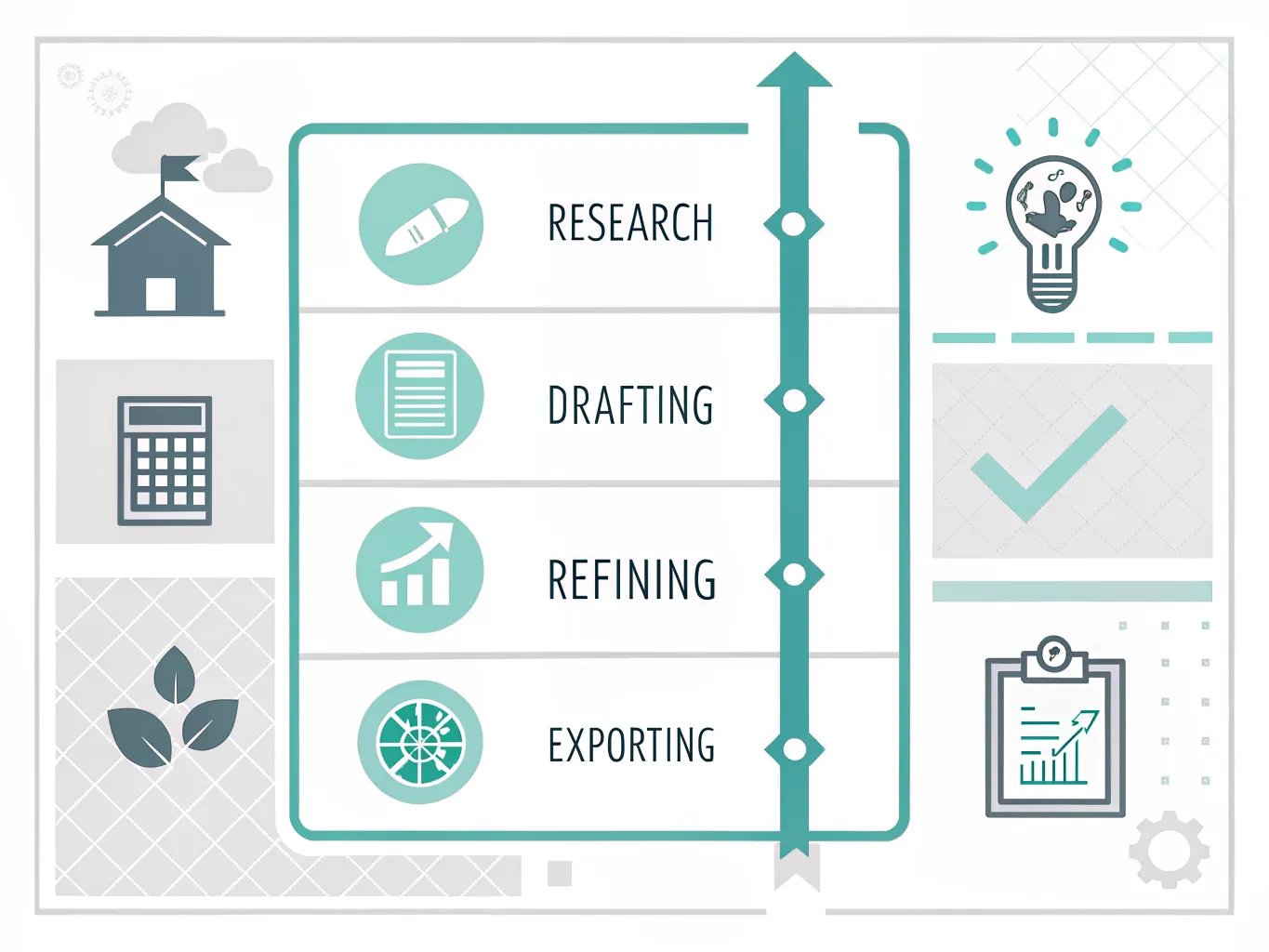
- Use one tool for research. Perplexity works well for quick topic checks, source hunting and first-pass summaries before you open your own documents.
- Use one tool for drafting. Claude is a strong candidate when you want a cleaner first version of an email, article outline or brief.
- Use one tool for cleanup. Notion AI is handy for turning rough meeting notes into headings, action points and a more readable structure.
- Keep a fixed note-to-draft routine. Capture ideas in one place during the week, then turn them into a cleaner draft in one session instead of redoing the same thinking every day.
- Leave design and visuals for the moments they matter. Google Stitch can help when you need a quick mock-up, but it should not become a detour for routine admin.
- Review the workflow at the end of the week and remove any step that does not save time. A simple routine beats hopping between tools just because they are free.
What to watch out for before you rely on a free plan
The biggest risk with free AI tools is not that they’re unusable; it’s that they feel convenient enough for you to paste in content without thinking about where it goes. Check whether the tool stores prompts, whether it uses your content to improve models, and whether you can delete what you upload. Privacy policies are often the least exciting part of the sign-up process, but they matter most when you’re handling client work or anything confidential.
Accuracy is the other weak point. A free tool can produce a polished paragraph that still gets the facts wrong, especially when it’s summarising recent events or technical topics. Use it to speed up your process, then check the details yourself before you publish, send or file anything important.
Upgrade only when the free plan starts getting in the way of real work. If you’re hitting credit limits every week, need better context handling or want stronger collaboration features, a paid plan may be justified. If you only use AI occasionally for admin, notes or light creative work, a free tier is often enough and keeps your overhead at zero.
The smartest approach is to treat free AI as a practical assistant with boundaries. Pick one tool for research, one for drafting and one for tidying up, then stop there unless a specific task clearly needs more. That keeps the workflow light, the cost at nil and the time savings easy to see.
Frequently asked questions
Are Free AI Tools actually good enough for daily work?
Yes, for drafting, summarising, brainstorming and light research they can save real time. They work best on repetitive tasks, such as turning messy notes into a usable outline or reducing a long article to a short summary. The main limits are usage caps, weaker features and occasional inaccuracy, so they are a time-saver rather than a final authority.
Which free AI tool is best for writing?
Claude’s free tier is one of the strongest options for writing because it can produce natural-sounding drafts, and the article highlights access to Claude Sonnet 4.6 plus monthly AI credits. Notion AI is more useful for cleaning up notes and reshaping rough material. The best choice depends on whether you need writing or organisation.
Can I use Free AI Tools without paying later?
Often yes, but many free plans include caps, credits or feature limits, so the free version may only cover light use. Some tools also ask you to sign in before you can test them properly. If you keep hitting those limits, the tool stops being practical for regular work.
Are Free AI Tools safe for confidential information?
Not always. The article says it is worth reading the privacy policy properly before pasting in anything sensitive, because many free tools rely on credits and may handle data differently from paid services. Avoid entering sensitive business, personal or client information unless you are certain how it is stored and used.
What is the easiest way to save time with free AI?
Use one tool for research, one for drafting and one for cleanup, then stick to the same workflow each week. A simple setup might be Perplexity for quick topic checks, Claude for first drafts and Notion AI for tidying notes. Consistency saves more time than trying every new tool.