
How to Create a CV That Gets Interviews
A CV only gets interviews when it helps a recruiter understand, in seconds, why you fit the vacancy. So the layout, wording and file format all need to work together, not just look polished. For jobseekers in South Africa applying into UK-style hiring processes, a clear, tailored CV Template can make that a lot easier.
Key takeaways
- Recruiters need to spot your fit in seconds, so your CV must be clear, relevant and easy to scan.
- Choose a simple template that supports the job, rather than a design that looks good but hides key details.
- Customise your profile, skills and work history for each vacancy with evidence, not generic claims.
- Use a clean file format, sensible naming and accessible structure so your CV submits properly.
- A final check for relevance, readability and consistency can catch errors before you apply.
What a strong CV needs to do
A strong CV has to show relevance fast: the recruiter should see your contact details, profile, work history, education and skills without having to hunt for them. That’s the practical test, and it matters even more if your CV has to pass through an applicant tracking system (ATS) before a person sees it. Microsoft Word’s template guidance also points towards ATS-friendly, customisable formats for this reason Microsoft Word.
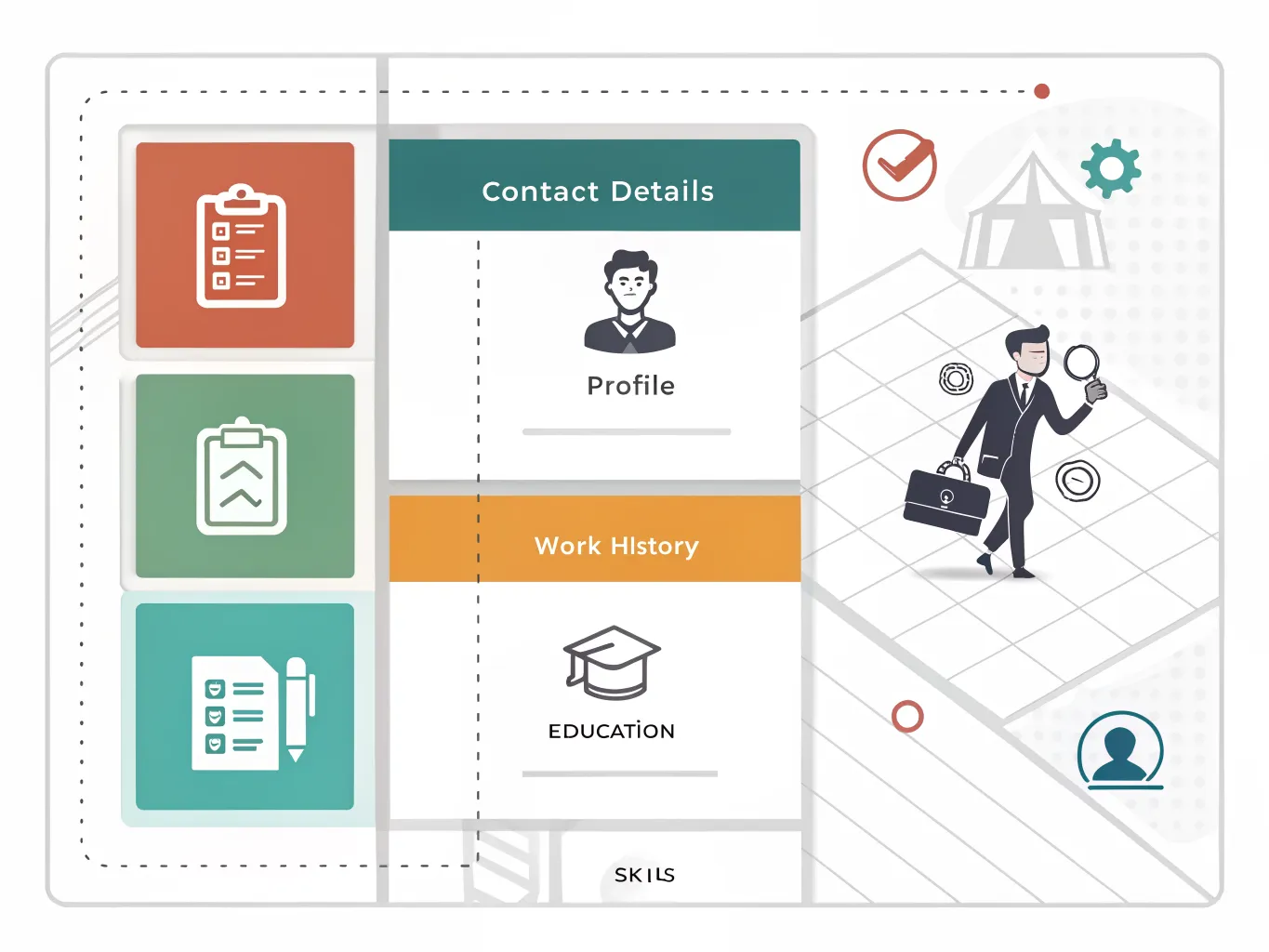
The best CVs do two jobs at once. They’re easy for a recruiter to read, and structured enough for software to interpret properly. If the sections are scrambled, the font is hard to scan, or the wording is too vague, the document may look attractive but fall down at the point that counts.
Keep the standard simple: a CV should explain who you are, what you’ve done, what you can do now, and why that fits the vacancy. Each section has to earn its place. A profile should match the role, work history should put the most relevant experience first, and skills should back up the job advert rather than repeat generic claims.
Readability is part of content quality, not decoration. Eye-tracking research is one reason some template providers, such as CV-Template.com, design layouts around how people actually scan a page CV-Template.com. The point isn’t to chase style for its own sake, but to make sure the eye lands on the right information quickly.
Choose the right CV Template for the job
| Template type | Best use | Strengths | Watch-outs |
|---|---|---|---|
| Microsoft Word CV templates | Most office, admin, finance, healthcare and general applications | Familiar, easy to edit, often ATS-friendly, simple to export | Can look plain if you do not customise the content carefully |
| Adobe Express CV templates | Applicants who want a polished design with quick online editing | Editable free CV templates, easy to produce a neat layout in minutes Adobe Express | Design can become too prominent if you add too many visual elements |
| Canva CV templates | Creative, customer-facing or entry-level roles where presentation helps | Easy-to-use templates, strong visual control Canva | Some layouts rely on graphics that may reduce scanability |
| CV-Template.com templates | Jobseekers who want a structured, ready-made format | Uses eye-tracking algorithms and offers 17 professional designed CV templates CV-Template.com | Keep the design restrained if the vacancy is formal |
| My Perfect Resume templates | People who want a guided build and role-specific versions | Tailored content support, desktop and mobile download options My Perfect Resume | Still needs careful local tailoring before sending |
A simple CV format usually works best for most applications. If the vacancy is in administration, operations, customer service, logistics or professional services, a clean layout in Microsoft Word or Google Docs often beats a heavily designed page. The aim is to remove friction, not add flair.
More designed templates can help when the role values presentation, but they should never get in the way of scanning. If a layout uses small type, thin lines, boxed text or decorative icons everywhere, it may look modern while becoming harder to read. That’s a poor trade-off for recruiters and for ATS-friendly templates.
Choose the CV Template for the vacancy, not your personal taste. If the employer is formal, keep it restrained. If the role is visual, use design carefully and still keep clear headings, strong contrast and a logical order.
How to customise the template without weakening it
- Rewrite the personal profile so it matches the vacancy and sector. Use the job title, key competencies and experience level the employer is asking for, rather than a generic summary that could sit on any CV.
- Turn duties into achievements where possible. Start with a strong action verb, then add a concrete result, a process improvement or a responsibility that shows impact.
- Adapt the skills and keywords to the advert without stuffing the page. Match the language of the role where it is truthful and relevant, but keep it natural.
- Use the template as the framework and the job advert as the brief. Fill each section with evidence that proves fit for this employer, this role and this level.
- Keep formatting consistent while you edit. Preserve headings, spacing, alignment and font choices so the CV still looks deliberate and professional after every change.
A useful way to think about customisation is to ask what the employer needs to verify in the first minute. If the job is project-based, show deadlines, coordination or budget control. If it’s client-facing, show service, communication and problem-solving. The template should frame that evidence, not bury it under filler.
Make your CV easier to scan and submit
- Use clear headings, consistent spacing and a simple font so the page is easy to read at a glance.
- Keep contrast, structure and spacing accessible, so the document works as an accessible CV document rather than a purely decorative one.
- Follow accessible document guidance such as NYU Accessibility when you build in Microsoft Word or Google Docs, especially if you plan to convert the file to PDF NYU Accessibility.
- Save and send the CV in a format employers can open easily, usually PDF unless the advert asks for a different format.
- Name the file professionally so it is easy to identify, for example with your surname and the job title.
Accessibility is practical, not abstract. If the structure is clear, the file is properly tagged or at least logically built, and the text stays readable when converted, the CV is more likely to survive real-world screening. That matters when a recruiter opens it on a laptop, a phone or inside a hiring platform.
For South African jobseekers targeting UK employers, clean submission habits help as much as content. A tidy PDF is usually safer than a file that shifts when opened on another device. Google Docs and Microsoft Word are both useful drafting tools, but the final version should be checked as the employer will see it.
Common CV mistakes that cost interviews
- Avoid generic summaries and empty buzzwords such as “hard-working” or “team player” unless you prove them with evidence.
- Check spelling, dates and formatting from top to bottom, including job titles, employers and qualification names.
- Do not overload the CV with graphics, icons, columns or decorative elements that distract from the information.
- Remove experience, hobbies or old details that do not support the role you want right now.
- Make sure the final document still reads as a strong CV, not a design exercise that hides your best evidence.
One of the biggest mistakes is trying to impress with volume. A CV that lists everything often says less than a focused one. The stronger approach is selective: keep the material that helps the employer understand your fit, and cut the rest.
Another common issue is uneven quality. A good template can be weakened by one weak profile statement, one typo in a date range, or a skills section full of vague claims. Recruiters notice those small failures because they suggest the candidate hasn’t checked the document properly.
A simple final-check method before you apply
- Check that every section supports the role you want. If a line does not help the employer assess your fit, remove it.
- Open the CV on desktop and mobile to confirm the text stays readable and the layout does not break.
- Read it as a recruiter would. If the first minute does not clearly show your value, tighten the wording.
- Compare the final version against the job advert and your chosen CV Template one last time to make sure the match is obvious.
- Send only when the document is clear, tailored and ready to submit.
The last check should feel like a quality gate, not a quick skim. A CV that is tailored, scannable and easy to open gives you a better chance of reaching the interview stage because it reduces doubt. The employer shouldn’t have to guess what kind of candidate you are.
If you want a simple rule, use this: a good CV doesn’t try to say everything. It says the right things cleanly, in the right order, for the right vacancy. That’s what turns a template into a serious application document.
Frequently asked questions
What is the best CV Template for a first job?
A clean, simple layout with clear headings and space for education, skills and any work experience you do have is usually best for a first job. It should make your contact details, profile and relevant strengths easy to find in seconds, without trying to look overly designed.
Should I use a CV Template or make my own design?
Use a template unless you are confident about layout and spacing. A good template saves time, keeps the CV readable and is less likely to bury key information, especially if the role will be screened by an ATS before a recruiter sees it.
Is a PDF or Word document better for a CV?
PDF is usually safer because the formatting stays intact, unless the employer asks for a Word file. That matters because a CV needs to keep its structure and spacing clear when it is opened, printed or read through an ATS.
How long should a CV be?
For most jobseekers, one to two pages is enough if every section supports the role you want. Keep it focused on relevance: the profile, work history and skills should all help the recruiter see fit quickly, rather than adding filler.
Do ATS-friendly CV templates really matter?
Yes, because simple layouts with clear headings are easier for applicant tracking systems and recruiters to read. A template that is clean, logically structured and easy to scan is more likely to keep your details intact and visible at the point that counts.