
How to Find Legitimate Remote Jobs
Legitimate remote jobs leave a paper trail you can check in minutes: a named employer, a specific title, a real application route and a location line that makes sense. If any of those pieces are missing, slow down before you apply. For South African jobseekers, that habit saves time and helps you avoid low-quality adverts and scams.
Key takeaways
- A genuine remote vacancy clearly shows the employer, role, location limits and a real application route.
- Trust job boards that still let you trace a listing back to the company or official careers page.
- Verify the employer’s website, email domain and recruiter profile before sending any personal details.
- Tailor your CV to the vacancy and show you can work independently without overstuffing the application.
- If a listing hides basics or pushes urgency, treat it as unverified and move on.
What legitimate Remote Jobs look like
A real remote advert usually gives you the basics straight away: who is hiring, what the job is, what the work involves and where to apply. On Remote Jobs, for example, listings cover design, development, marketing, finance, management and customer support, which is the sort of role detail you want to see. The best adverts read like a proper vacancy, not a vague promise.
A strong posting names the employer and points you to an official careers page or a trusted platform. Amazon Jobs lists remote roles with a direct company brand and an apply-now route, while Pearson Jobs shows role titles such as Associate, Product Program Manager, Principal, Sales and Specialist, Psychometrician alongside workplace type. That level of specificity is a good sign because it shows the recruiter has defined the role, not just thrown up a generic advert.
The location line matters just as much as the title. Some Remote Jobs are fully remote, but others are hybrid or restricted to a country, region or even a city, so you need to read the fine print. If an advert says remote but later mentions a fixed territory, that is not a scam on its own; it is a cue to check whether you are actually eligible.
Keep an eye on the wording too. Quality adverts tend to include a job summary, a short list of duties and a link to the official careers page. Suspicious posts lean on urgency, broad claims and missing details, such as “earn from home” with no company name, no team, no contract type and no clear next step.
Where to search for trustworthy listings
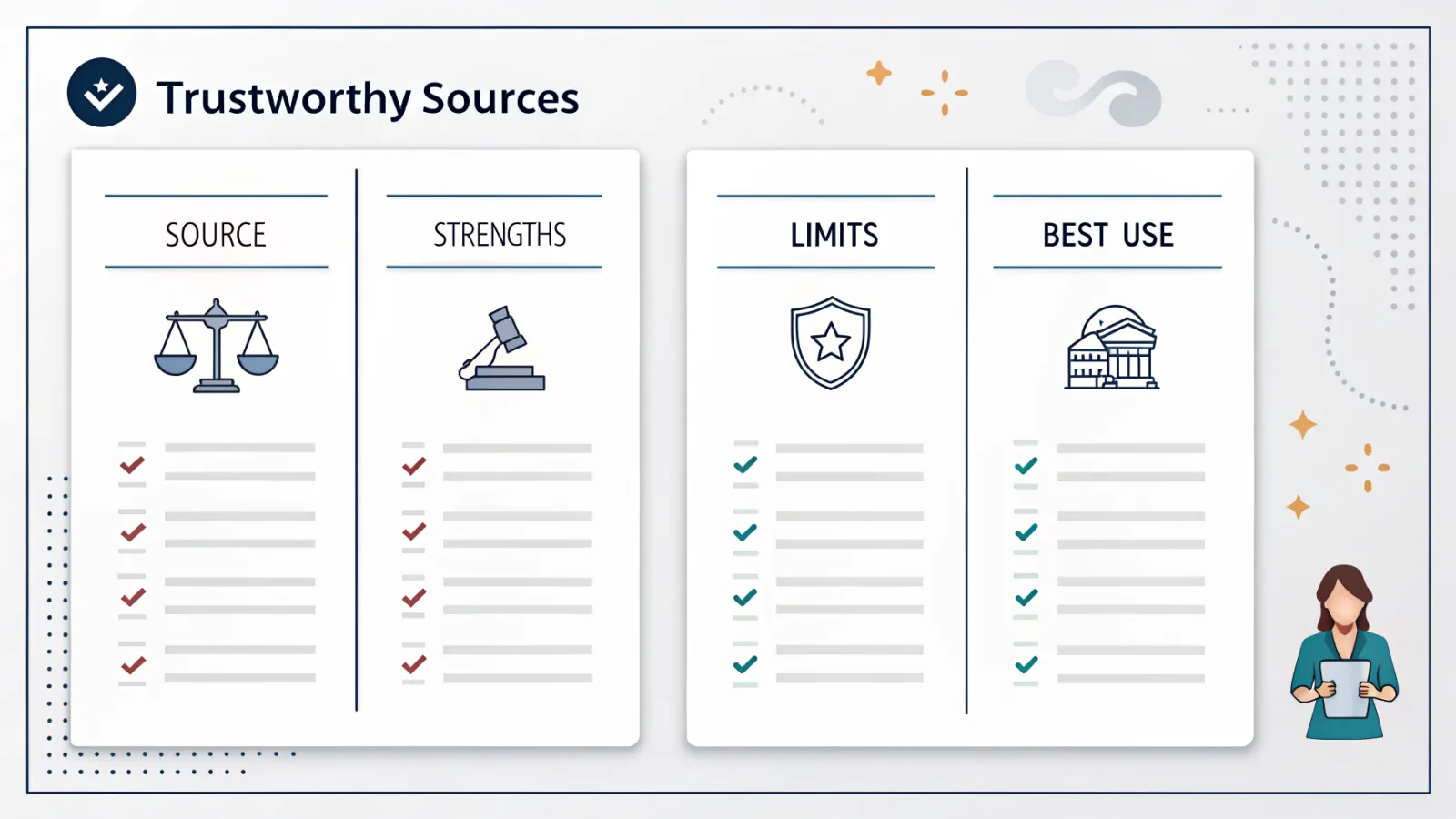
| Source | Strengths | Limits | Best use |
|---|---|---|---|
| Official company careers pages such as Amazon Jobs, Pearson Jobs and Capital One Careers | Direct employer details, clearer role context, official application route | You have to visit each employer separately | Use first when you already know the company or sector you want |
| Specialist remote boards such as Remote Jobs and Remote.com | Focused remote-only search, easier to filter out non-remote posts | Quality varies by listing and employer | Use to build a shortlist of remote roles quickly |
| General job boards such as LinkedIn Jobs | Large volume, network visibility, recruiter profiles and easy keyword searching | Some adverts are reposted or incomplete | Use to compare employers and spot which roles are actively hiring |
LinkedIn Jobs is useful because it lets you see volume, recruiter activity and whether a role is being shared by a real company profile. Its remote search pages can surface a large number of live listings, such as the 16,000+ remote jobs shown in the Washington DC-Baltimore area search result, which tells you how broad the field can be. That is helpful, but it also means you need filters and judgment.
Remote.com is worth checking because it presents remote roles alongside extra profile features, including AI interviews to boost your profile. That can help you understand how modern hiring is changing, but you still need to verify the employer before you share anything sensitive. Capital One Careers is another useful benchmark because it combines remote openings with a job finder quiz and clear company navigation, which makes the source easier to trust than a reposted advert with no context.
Use search terms that match the role you actually want. “Remote”, “work from home” and a job title such as support specialist, analyst or designer are more useful than broad browsing, because they bring up listings with clearer intent. Then check the location field, because many roles are remote only for specific countries or time zones.
A safer source is one that gives you a direct application link, a named employer and enough detail to confirm the vacancy exists. A weak repost often strips out the company name, the department and the location restrictions, leaving you with no way to judge whether the job is real. If you cannot trace the advert back to the employer, treat it as unverified.
How to verify a remote employer before you apply
- Open the company’s official website and careers page, then confirm that the vacancy exists and the duties match the advert.
- Check the business footprint: company name, domain, contact details and branding should line up across the site and the application form.
- Look up the same role on LinkedIn to see whether the employer, recruiter profile and hiring history feel consistent.
- Search the company name plus “scam” or “reviews” and compare the results with the advert, rather than trusting the first thing you read.
- Pause if the process asks for private messaging, banking details, identity documents or anything else that feels too early for the stage of hiring.
This check takes minutes, not hours, and it catches a lot of bad leads. A legitimate employer should be able to explain the role, the team and the process without making you guess. If the advert points to one company but the email domain, website and recruiter profile all tell different stories, leave it alone.
How to apply without getting filtered out
- Tailor your CV to the role by matching the job description’s keywords only where they truly fit your experience.
- Show evidence of self-management, communication and remote collaboration tools, because hiring teams look for people who can work independently.
- Keep your application clean: a clear subject line, concise cover note and accurate contact details are enough for most roles.
- Prepare for screening questions and online interviews, including AI interviews where the employer uses automated pre-screening.
- Keep your CV, LinkedIn profile and company application form consistent so your dates, job titles and skills do not clash.
For remote hiring, recruiters often scan for evidence that you can stay organised without close supervision. That means your CV should show deadlines, teamwork across channels and comfort with video calls, shared documents and ticketing tools. If the role asks for a specific qualification or sector background, make that obvious near the top of the page.
Online interviews can happen quickly, especially on platforms that use automation to shortlist candidates. Treat an AI interview like a normal screening step: quiet room, working camera, stable connection and clear answers. If the employer asks you to move off-platform immediately, that is usually the wrong direction.
Common remote job scams and red flags
- Upfront fees or requests for payment, because real employers do not charge you to apply.
- Promises of instant hiring, which often appear in low-quality or fraudulent adverts.
- Private messaging too early, especially if the recruiter refuses to use a company email address.
- Poor grammar, copied job text, mismatched web domains or salary claims that seem far above market without explanation.
- Requests for personal data, bank details or identity documents before a verified hiring step has been explained.
A scam ad often relies on speed and confusion. The language pushes you to act now, while the details stay vague enough to avoid scrutiny. Real recruitment can still be fast, but it is rarely chaotic.
If a posting feels off, compare it with a known employer such as Amazon Jobs, Pearson Jobs or Capital One Careers. Those company channels make the structure obvious: role title, workplace type, application route and branded page. That contrast helps you spot what is missing from the doubtful listing.
A simple weekly search routine for South African jobseekers
- Set aside a fixed time each week to scan company career pages, Remote Jobs, Remote.com and LinkedIn Jobs instead of checking randomly every day.
- Track each application in a spreadsheet with the role, date, source, employer, follow-up date and current status.
- Review replies and interview invites to see which types of remote roles are actually moving forward.
- Adjust your search terms and filters based on the jobs that match your experience, location and availability.
- Drop weak listings quickly so you spend more time on verified employers and less time on dead ends.
A simple tracker stops you from applying twice, forgetting follow-ups or mixing up employers with similar names. It also shows patterns over time, which is useful if one type of role keeps getting responses and another never does. That is real market feedback, not guesswork.
For South African jobseekers, the goal is not to chase every remote advert. It is to build a repeatable routine that favours verified employers, clear application routes and roles you can actually do well. That approach gives you a better shot at reaching interviews and cuts out the noise.
Frequently asked questions
How can I tell if a Remote Jobs listing is legitimate?
A legitimate listing usually names the employer, describes the role clearly and sends you to an official careers page or a trusted platform. For South African jobseekers, it should also include a location line that makes sense, because some remote roles are limited to certain countries, regions or time zones. If those details are missing, treat the advert as unverified.
Which sites are safest for remote job searches?
Start with official company careers pages, then use established platforms such as LinkedIn Jobs, Remote.com, Amazon Jobs and Pearson Jobs. Those sources are safer because they usually give you a named employer, a real vacancy and a direct route to apply. Even then, confirm the role on the company site before sharing personal information.
Do remote jobs ever require location restrictions?
Yes. Some remote jobs are fully remote, but many are restricted to a specific country, region, city or time zone. The article also notes that a role can be advertised as remote and still be tied to a fixed territory, so always read the location field carefully before applying.
What is the biggest red flag in a remote job advert?
Any request for upfront payment is a major warning sign, especially if the advert also asks for personal data that has nothing to do with normal hiring. A vague post with no company name, no job title and no clear application route is also risky. Legitimate employers should not need you to pay to be considered.
Should I apply through job boards or company websites?
Use both, but put more weight on company websites for verification. Job boards are useful for finding opportunities, while official careers pages are better for checking that the vacancy really exists and that the details match. If you cannot trace the advert back to the employer, do not apply yet.