
Why Two-Factor Authentication Is Essential
Two Factor Authentication adds a second check at login, so a stolen password on its own won’t get someone into an account. It’s a simple way to reduce account takeovers on email, banking and social media accounts.
Key takeaways
- A password alone is no longer enough for important accounts.
- Authenticator apps are a stronger everyday choice than SMS.
- Security keys offer the best protection for high-risk logins.
- Backup codes and recovery steps should be set up before you need them.
- 2FA works best on email, banking and cloud accounts first.
What Two Factor Authentication is, and why it works
Two Factor Authentication means a login needs two different factors, usually something you know and something you have. That might be a password plus a code from an app or SMS, or a password plus a hardware security key; Twilio and Wikipedia both describe it that way Twilio Wikipedia.
The term sits within multi-factor authentication, or MFA. MFA covers any login that asks for two or more separate proofs, while 2FA is the specific case where exactly two are used. In practice, the terms often get used interchangeably, which is why account settings may say “two-step verification” or “security check” instead.
The security logic is simple. If a criminal gets your password from a leak, a phishing page or a reused login, they still have to clear a second barrier. Microsoft Security says 2FA strengthens sign-in security by requiring two distinct forms of identity verification Microsoft Security.
Why passwords alone are no longer enough
Password reuse is the real risk here. A single email and password pair is often tried against several services, so one compromised login can lead to email, cloud storage, shopping or banking accounts being checked next. That is why security teams keep stressing unique passwords and a second factor on the accounts that matter most.
Phishing is a major route into accounts because it tricks people into entering credentials on a fake page or into a fake sign-in flow. Cisco Duo specifically lists phishing, password hacks and stolen credentials as threats that 2FA helps to block Cisco Duo.
That matters because a stolen password is rarely the end of the attack. If an attacker gets into email first, they can request password resets for other services, intercept verification messages and move towards financial or social accounts. Once the inbox is controlled, the rest of the account trail becomes easier to follow.
2FA methods compared: authenticator apps, SMS codes and security keys
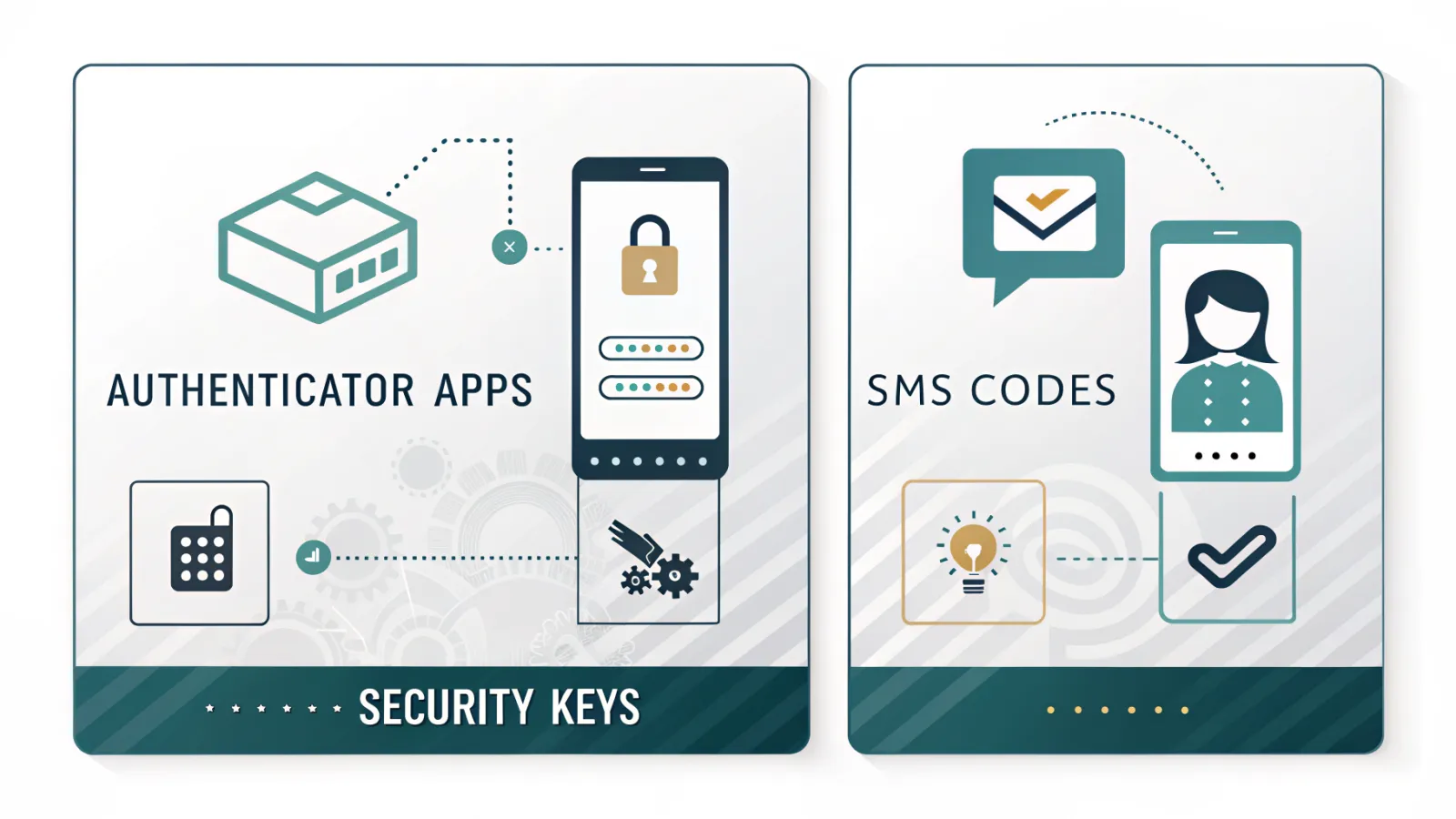
| Method | Security | Convenience | Recovery notes |
|---|---|---|---|
| Authenticator app | Strong; code changes quickly and is tied to the device | Quick once set up; works without mobile signal | Keep backup codes and a recovery option in case the phone is lost |
| SMS code | Better than no second factor, but weaker than app or key-based methods | Familiar and easy to understand | SIM swap and message interception can create risk |
| Security key | Very strong because it requires a physical device | Fast for regular logins, but you must carry the key | Keep a spare key and update recovery details |
| Browser-based or online 2FA tools | Useful for generating codes in some workflows, but not ideal as the only method | Can be handy on a trusted device | Treat them carefully and avoid depending on a single browser session |
An authenticator app, such as Google Authenticator or Microsoft Authenticator, is usually the best balance for most people because the code is generated on the phone itself. It does not depend on mobile signal in the same way SMS does. BrowserScan shows the same basic model with a 2FA code generator that produces a short-lived code for sign-in BrowserScan.
SMS verification is still better than no second factor at all, and many services keep it as an option because it is easy to roll out. But it is weaker where SIM-swap fraud or message interception is a concern. A security key, by contrast, is a physical device you must have with you at sign-in, which makes it harder to copy or forward than a text message.
How to turn on Two Factor Authentication on the accounts that matter most
Start with the accounts that can unlock everything else: email, banking, cloud storage and social accounts such as X. X’s Help Centre says two-factor authentication adds an extra layer beyond the password X Help Centre.
- Open the account’s security, sign-in or login settings.
- Look for two-factor authentication, two-step verification or sign-in verification.
- Choose the method you want to use, ideally an authenticator app or security key.
- Confirm the device or phone number if the service asks for verification.
- Save backup codes straight away and store them somewhere separate from the device you use for logins.
The order matters. If you turn 2FA on before checking recovery options, you can lock yourself out after changing phones or replacing a device. Set it up when you have time to save backup codes and test sign-in on a second device, not while you are rushing through a password reset.
For work accounts, the same logic applies, but with more care. Microsoft Security and Cisco Duo both describe 2FA as a way to protect apps, resources and data across users and systems Microsoft Security Cisco Duo. For personal users, the practical rule is simple: secure the inbox first, then the accounts that can spend money or expose private data.
Common mistakes that weaken 2FA
- Relying only on SMS when a stronger option is available, especially for email or finance accounts.
- Not preparing recovery steps or backup codes before changing phones or losing access to the authenticator app.
- Falling for phishing pages or fake approval prompts that can still capture login attempts.
One common mistake is treating every second factor as equally strong. A text message, an app code and a security key do not protect you in the same way. The choice affects phishing resistance, recovery and how exposed you are if your phone number is moved to a new SIM.
Another trap is ignoring the device itself. If your phone is unlocked, rooted, infected or shared, the second factor can be weaker in practice than it looks on paper. Good 2FA still helps, but it works best when the phone, recovery email and password manager are all looked after together.
What a sensible 2FA setup looks like
A sensible setup uses an authenticator app or a security key wherever the service allows it. That gives you stronger sign-in protection than SMS and keeps the login process quick enough that you are likely to keep using it.
Store recovery codes offline and separately from the device you use for logins. A printed copy kept somewhere safe, or a secure note that is not synced to your main phone, is better than leaving everything in the same inbox or cloud folder.
Review recovery settings whenever you change phones, replace a security key or update a password manager. Password managers help by generating unique passwords and reducing reuse, but they work best alongside 2FA rather than instead of it.
If you use a phone number for account recovery, keep SIM-swap fraud in mind. In a SIM swap, a criminal persuades a mobile provider to move your number to a new SIM, which can let them receive SMS codes meant for you. That is one reason app-based codes or a security key are usually safer for important accounts.
Frequently asked questions
Is Two Factor Authentication the same as MFA?
The right setup is the one you will keep. If it is strong, easy to reach in a hurry and backed by a recovery plan, you are far less likely to lose access or hand an attacker an easy way in.
Is SMS 2FA safe enough?
Not exactly. Two Factor Authentication is a specific type of multi-factor authentication that uses exactly two factors, while MFA is the broader umbrella for any login with two or more proofs. In account settings, the terms are often used interchangeably, so you may see labels like “two-step verification” or “security check” instead.
What if I lose my phone with my authenticator app on it?
Yes, it is better than using a password alone, so SMS 2FA is worth having if it is the only option available. That said, authenticator apps are usually a better balance for most people, and security keys are stronger still because they rely on a physical device at sign-in. SMS is the weaker choice where SIM-swap fraud or message interception is a concern.
Which accounts should I protect first?
Use your backup codes or the account’s recovery settings to get back in, then set up 2FA again on the replacement device. Save the backup codes when you first switch it on. If you change phones without them, you can lock yourself out. It is also worth testing recovery while you still have access.
Does Two Factor Authentication stop phishing completely?
Start with email, banking, cloud storage and social accounts, because those are the ones that can unlock or expose everything else. Secure your inbox first, since control of email can be used to reset other passwords and intercept verification messages. From there, move on to accounts that can spend money or hold private data.